Appearance
Expenses on jobs and clients
On a job
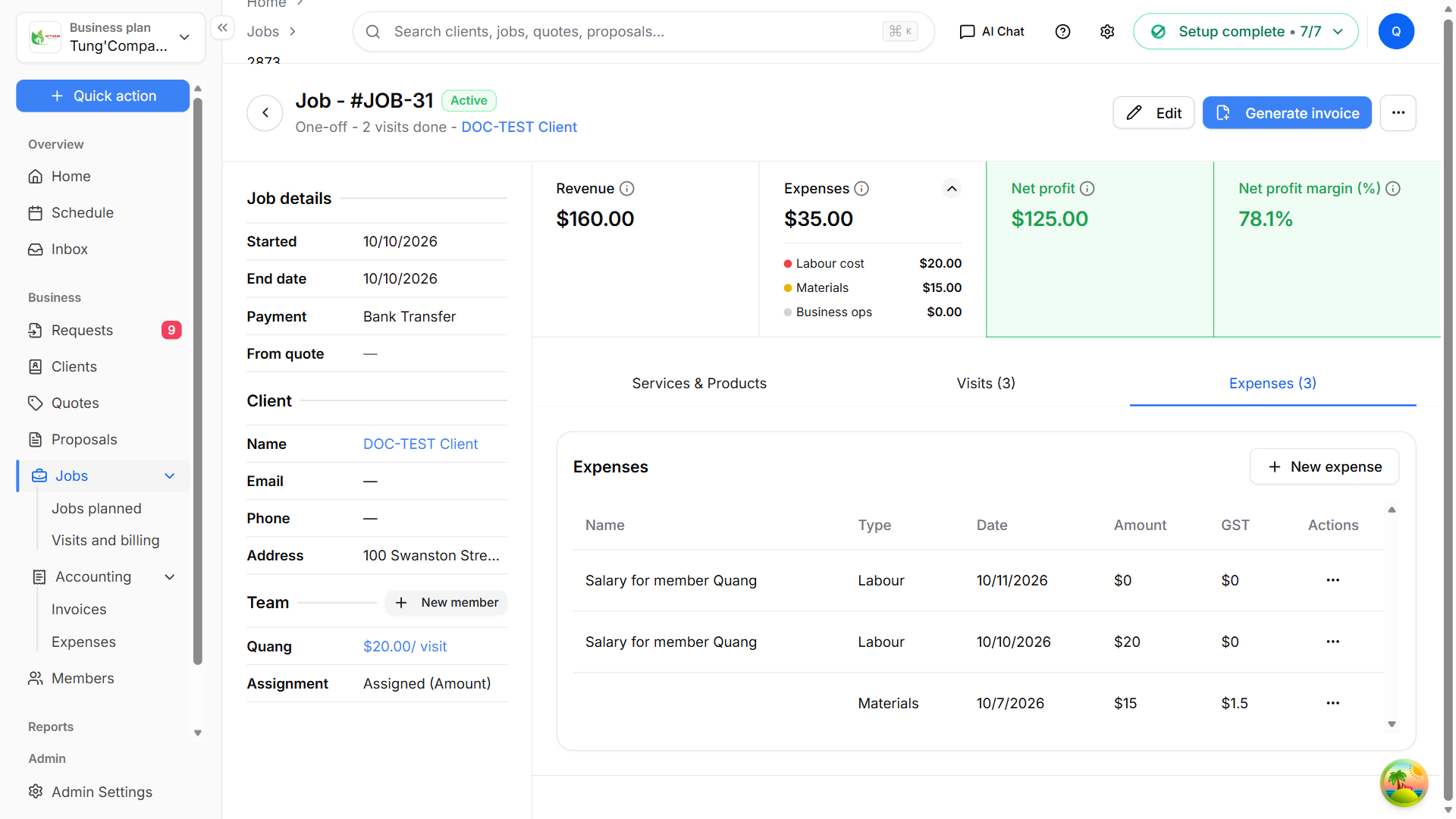
Open a job to see what it has cost and what it has made. At the top of the job page:
- Revenue — what you've charged for the job.
- Expenses — the total of all expenses on the job. Select the arrow to see it split into Labour cost, Materials and Business ops.
- Net profit and Net profit margin (%) — revenue minus expenses.
The Expenses tab lists every expense on the job, with its name, type, date, amount and tax. Select New expense to add another one.
On a client
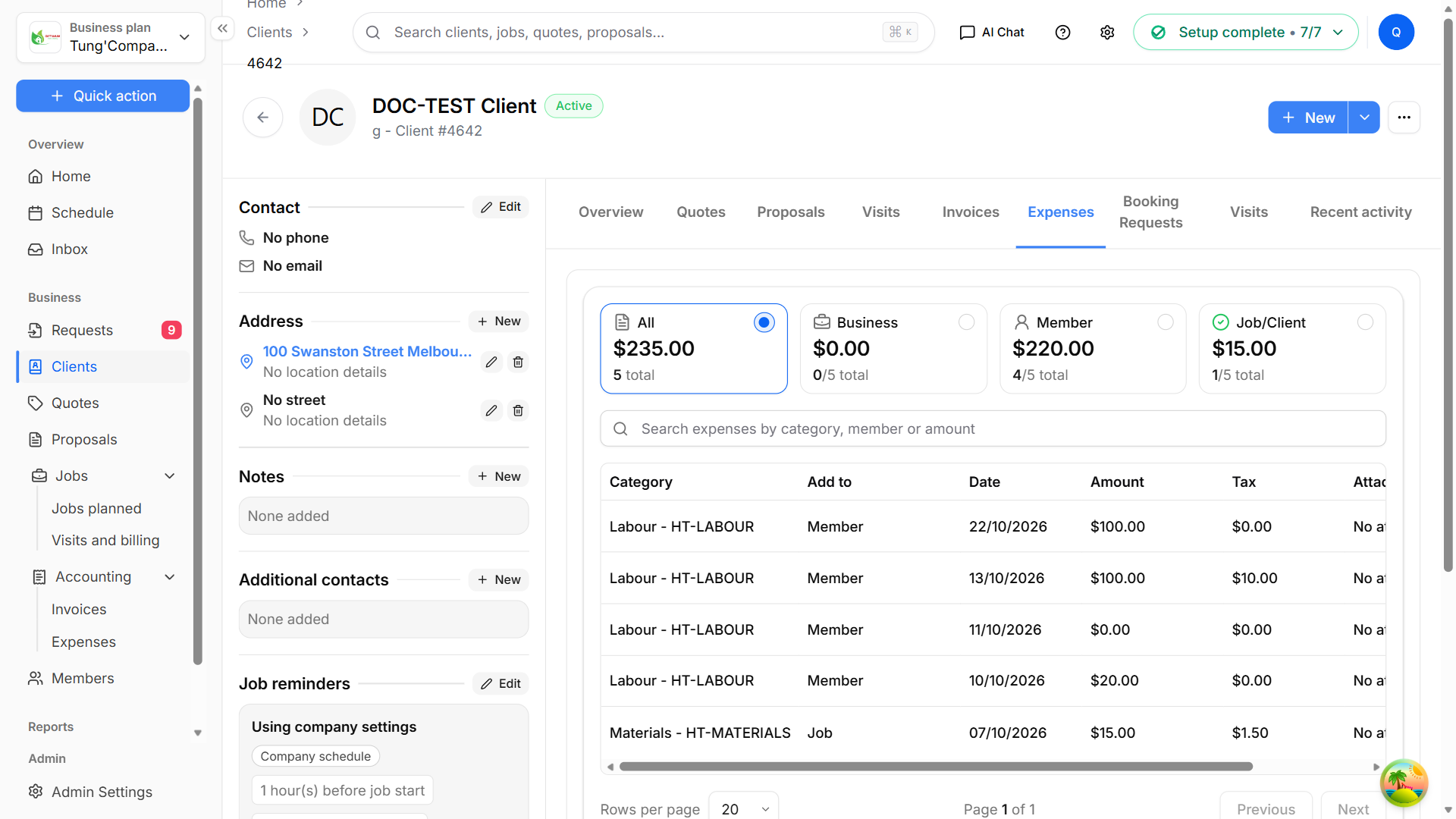
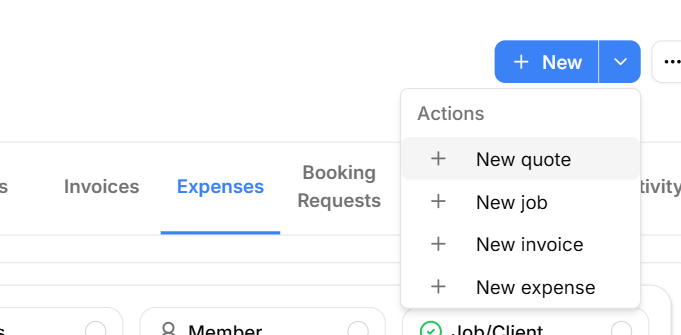
Open a client and select the Expenses tab. You'll see the same cards and search as the main Expenses list, showing only that client's expenses — including expenses on their jobs and the Labour for their visits. To add one, open the menu next to + New and select New expense.