
Appearance
Labour expenses are added for you
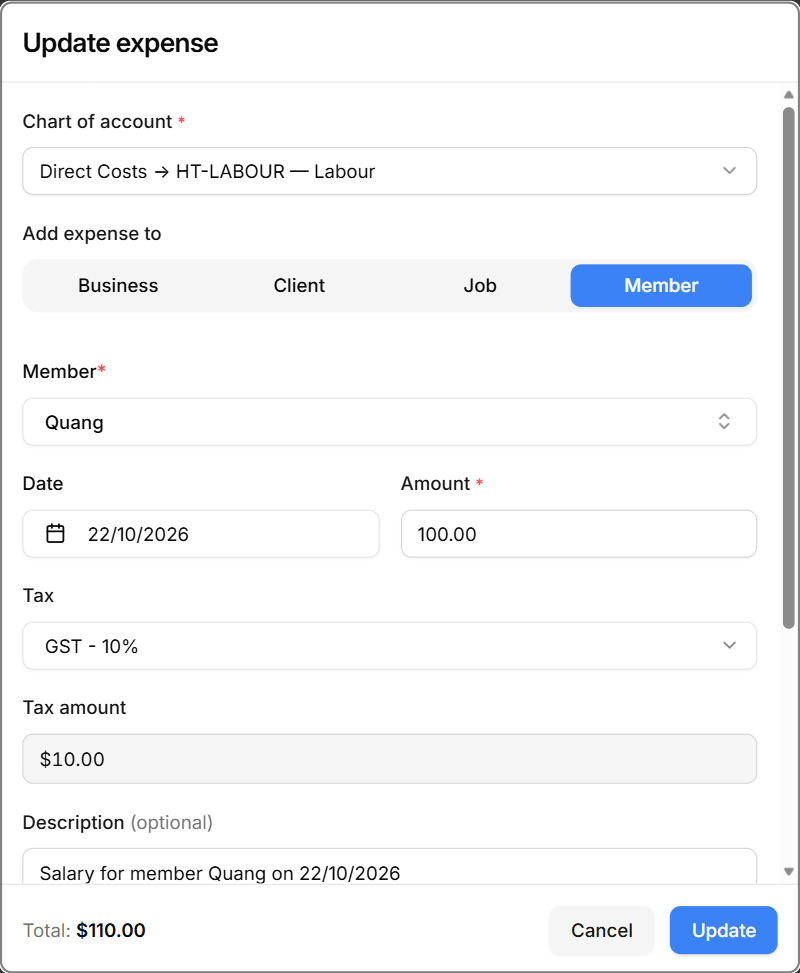
When a visit is marked as completed, HiTradies adds a Labour expense for each team member who worked on it. You don't need to add your team's wages yourself.
Each Labour expense has:
- Category Labour (code HT-LABOUR) and a MEMBER badge with the team member's name.
- The date of the visit, and a description like "Salary for member Quang on 22/10/2026".
- The member's pay for that visit as the amount. For hourly pay, that's the member's hourly rate × the hours they worked. For a fixed amount, it's the amount set on the visit.
- Superannuation, if the member has a super rate set. It's worked out from their pay and shown in the expense's Update expense window.
- A link to the job, so the cost counts towards that job's profit and shows on its Expenses tab.
Good to know
- If you change a completed visit — for example, its times or who worked on it — the Labour expenses are updated to match.
- If a visit is moved back from Completed, its Labour expenses are removed.
- Team members who were cancelled from the visit don't get a Labour expense.
- You can edit a Labour expense like any other expense. But if the visit is changed again later, HiTradies recalculates it from the visit.